
AI-powered solutions in archeology
See what the landscape is hiding.
ML Browser runs vision models on your device to reveal archeological features in LiDAR hillshade maps — and any object you train it to find.

On iPhone, iPad, and Mac.
Built around three ideas
On-device & private
Detection runs entirely on your device. The pages you browse and the findings you save never leave it.
Bring your own models
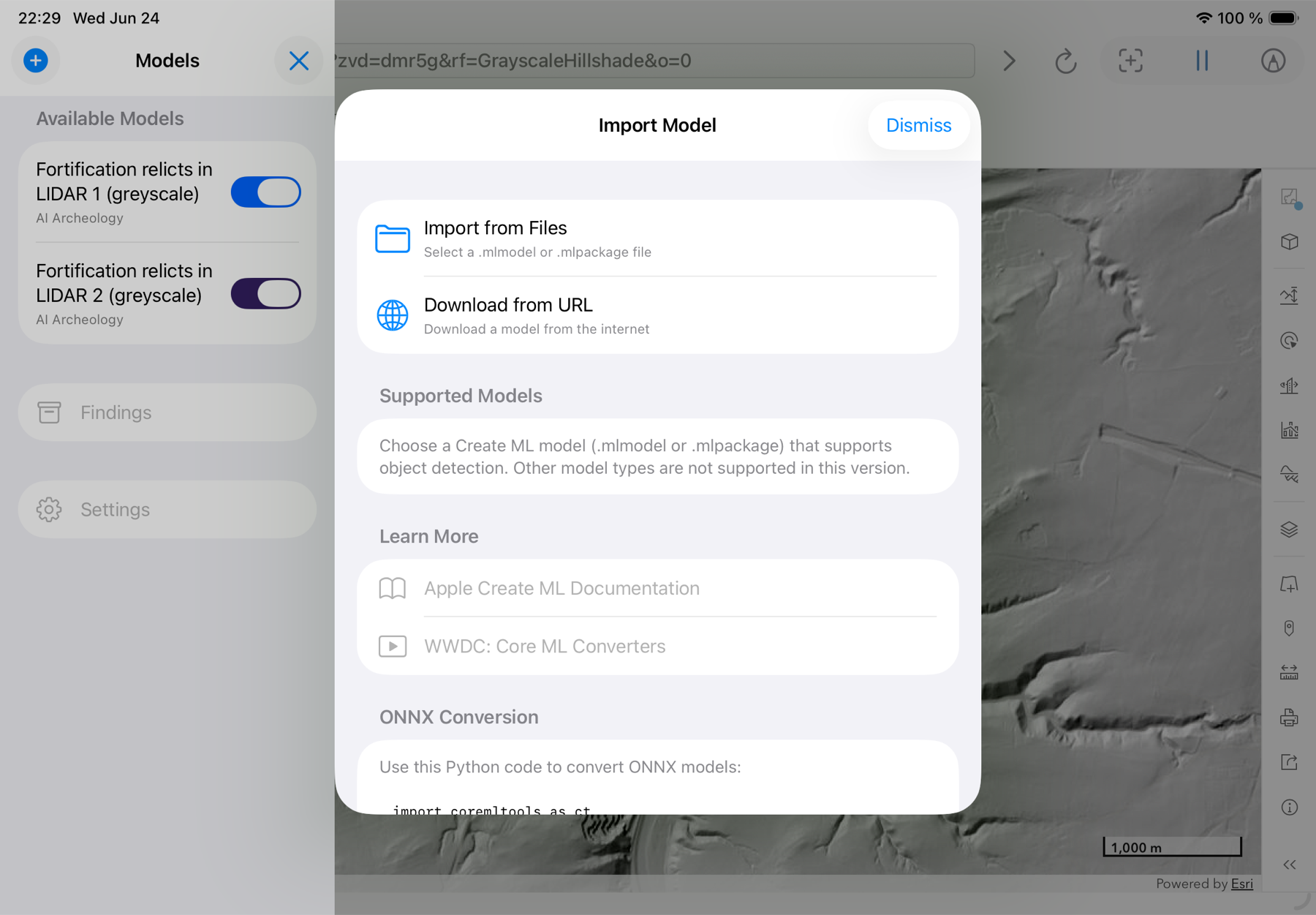
Import any Core ML object-detection model (.mlmodel or .mlpackage) from Files or a URL — for archeology or anything else you train it to find.
Demo models included
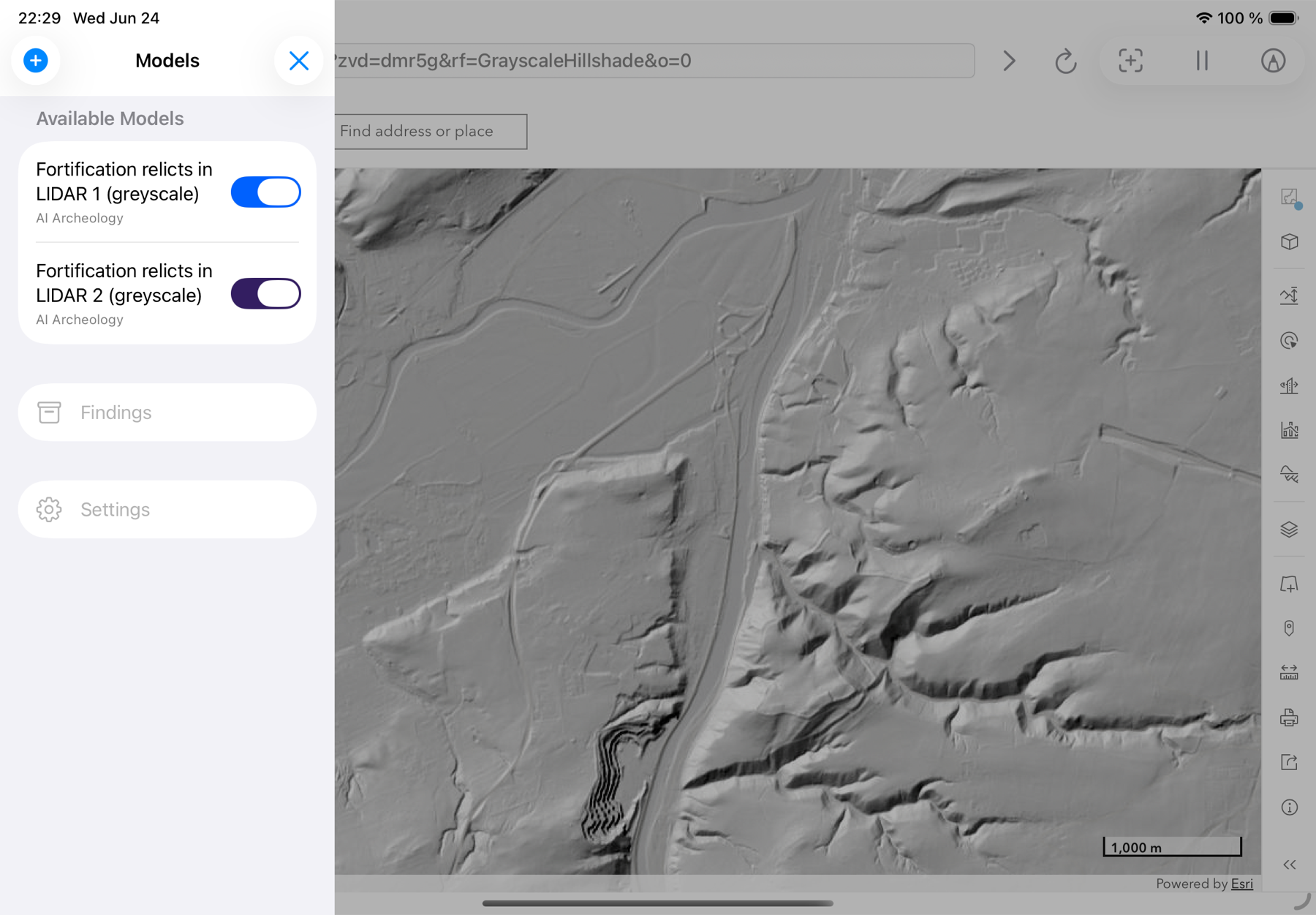
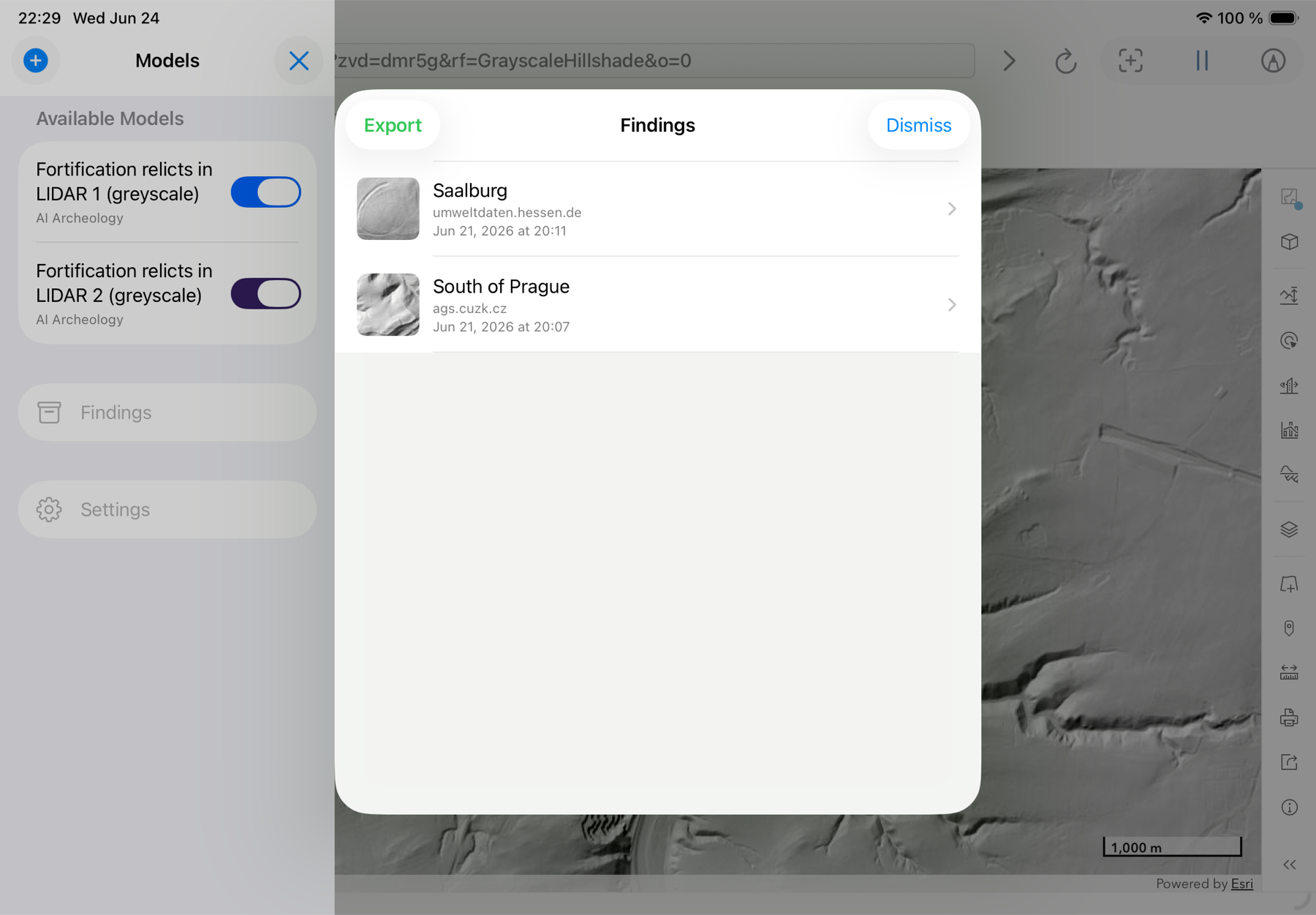
Two LiDAR fortification detectors, trained on thousands of expert-reviewed locations across Central Europe.
Detect as you browse
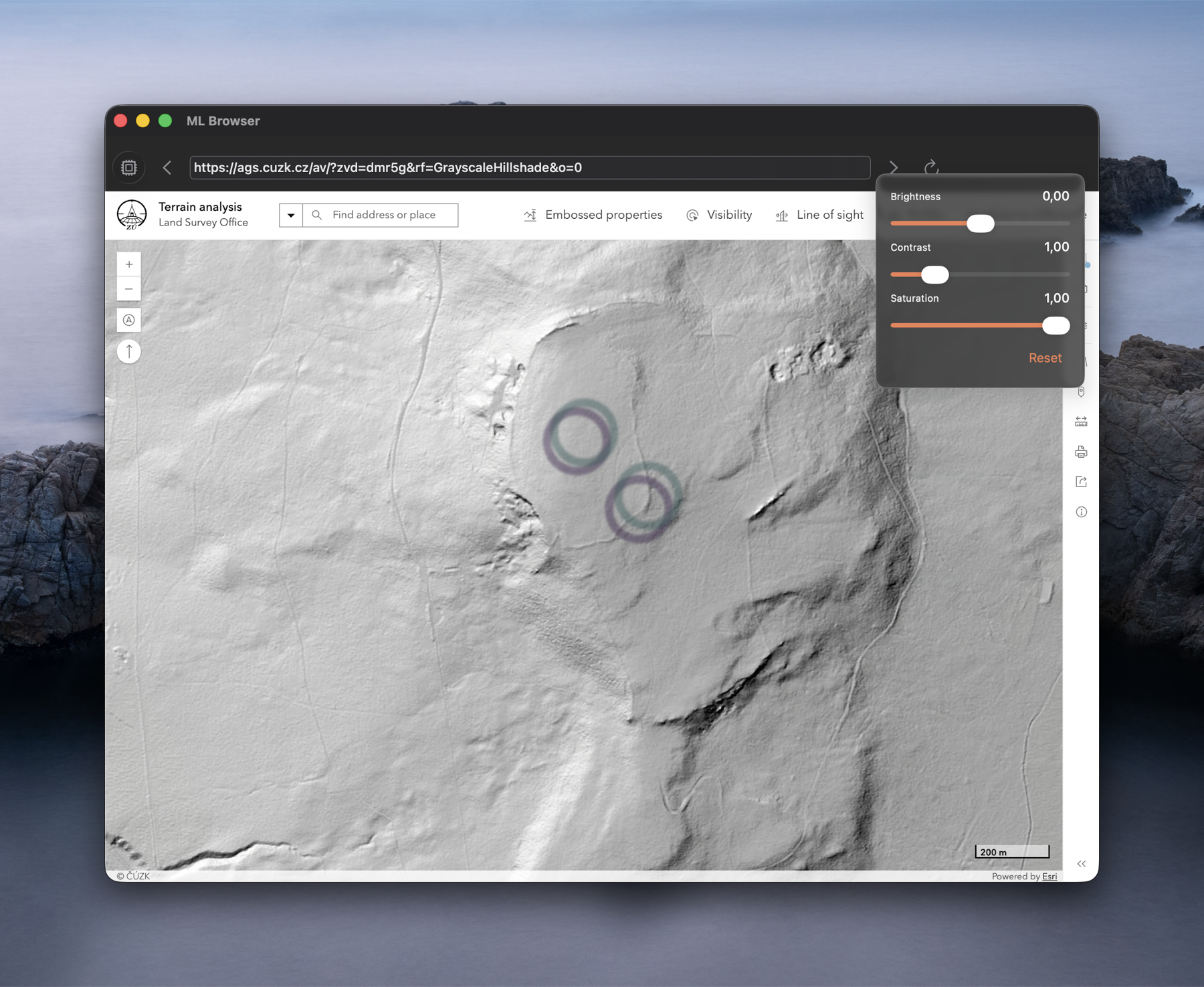
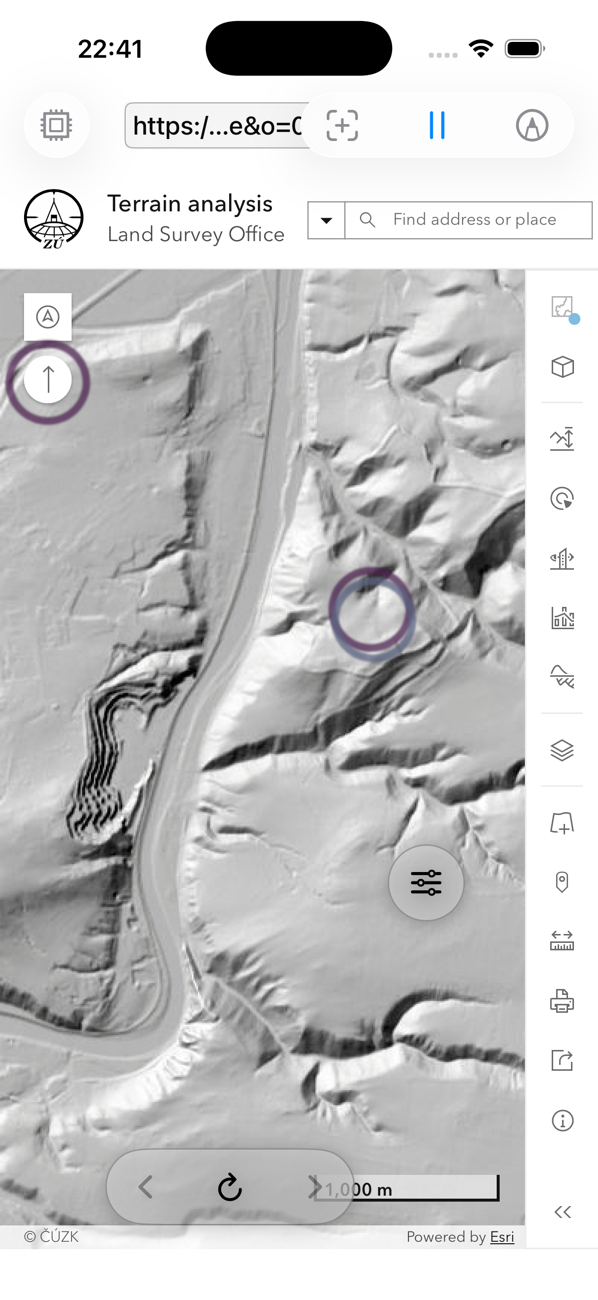
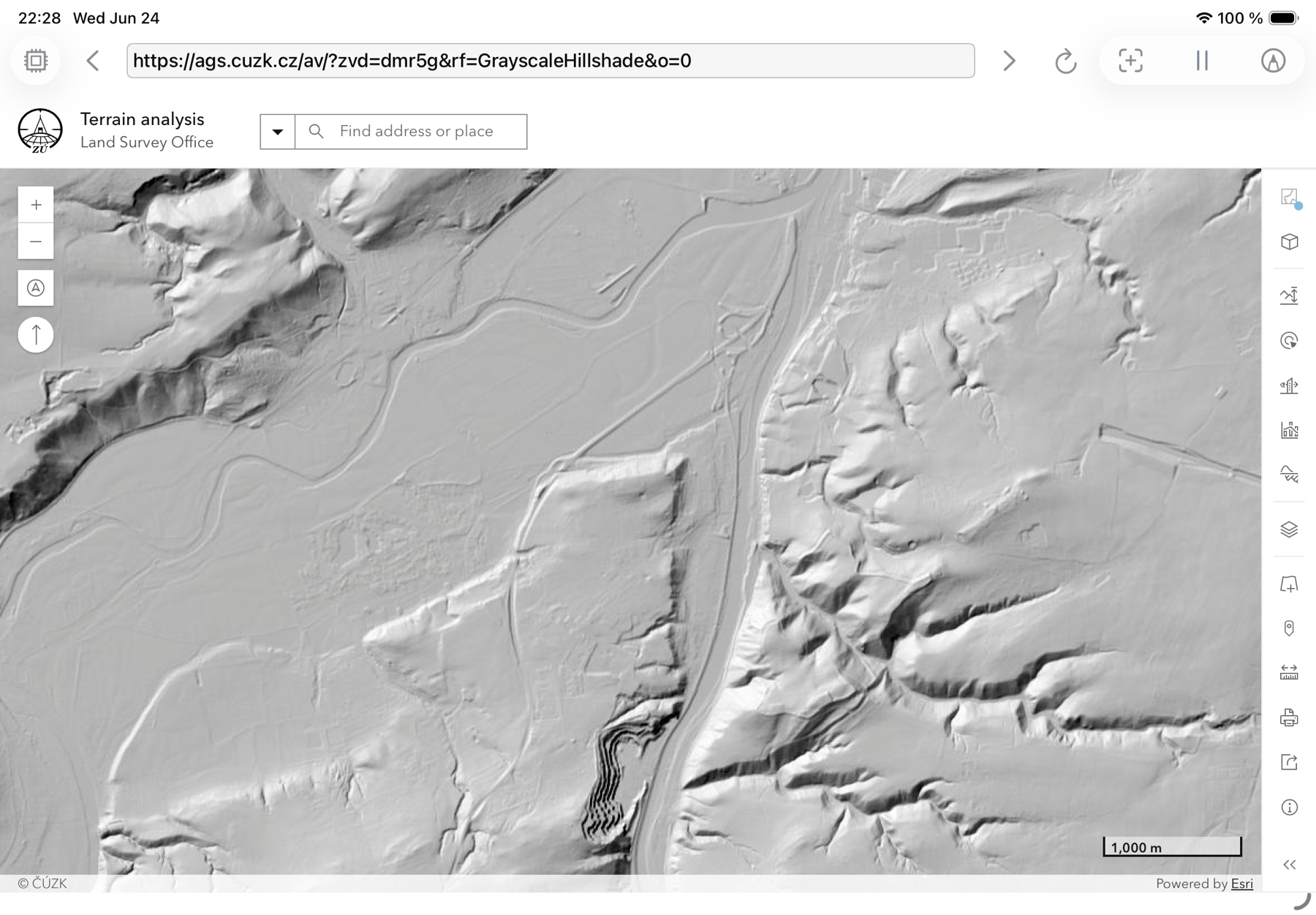
Open any website or web map. ML Browser scans what is on screen and highlights detections in real time. Adjust detection frequency, enable tiling for fine detail, or run full-screen.
Detect anything, not just archeology
The demo models find archeological features in LiDAR, but ML Browser runs any Core ML object-detection model. Point it at any web page or map and detect what you need — buildings, vehicles, signs, wildlife, manufacturing defects. Import a model from Files or a URL, train your own in Create ML, or convert from ONNX. Everything runs locally; nothing is uploaded.
Start with our LiDAR models
Not sure where to begin? Two included demo models — Fortification relics in LiDAR — were trained on thousands of expert-reviewed locations across Central Europe. Point them at public LiDAR hillshade maps and watch features surface.
Capture and export your findings
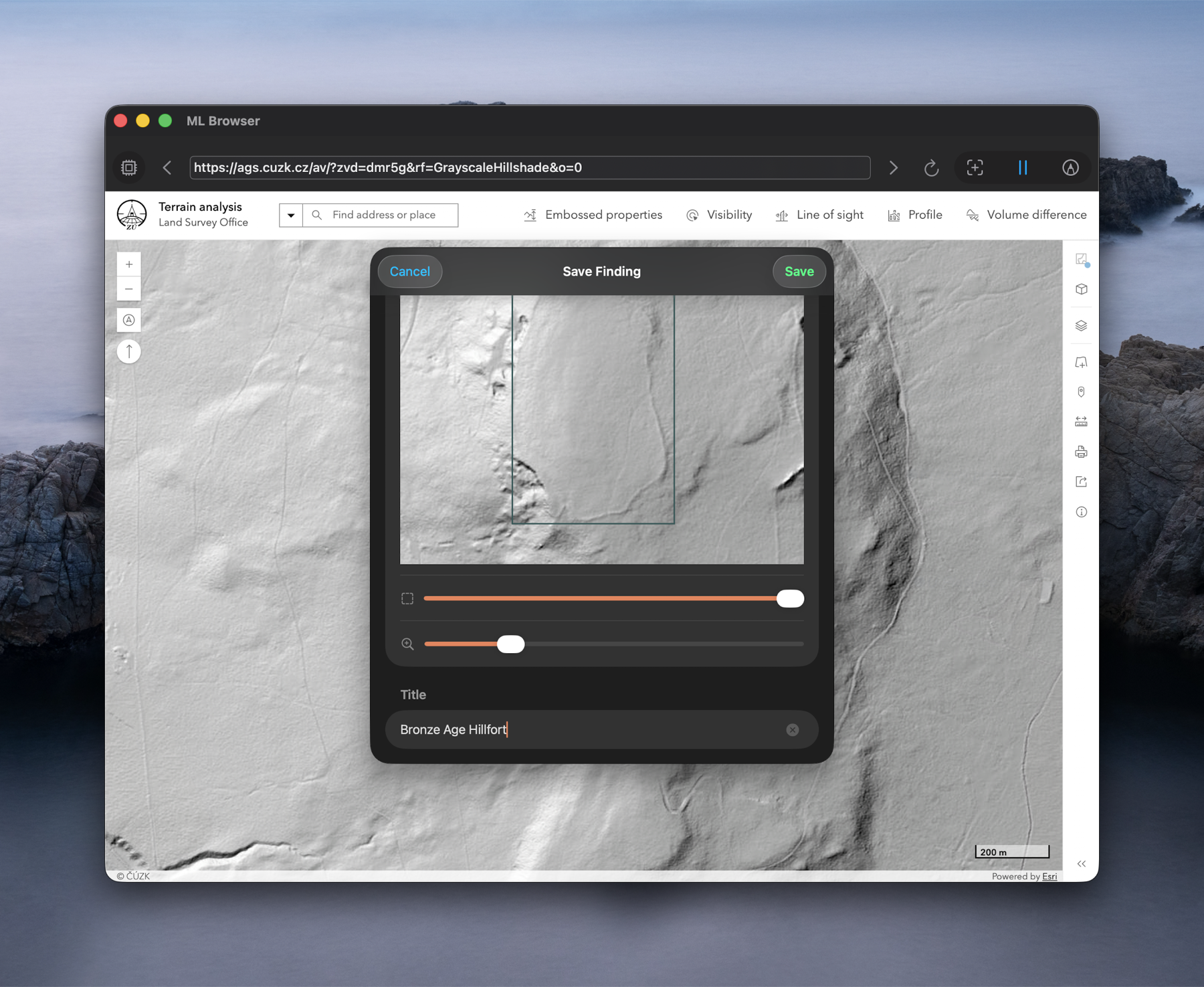
Save anything you spot with a title and notes, revisit it later, and export your findings to take them further.
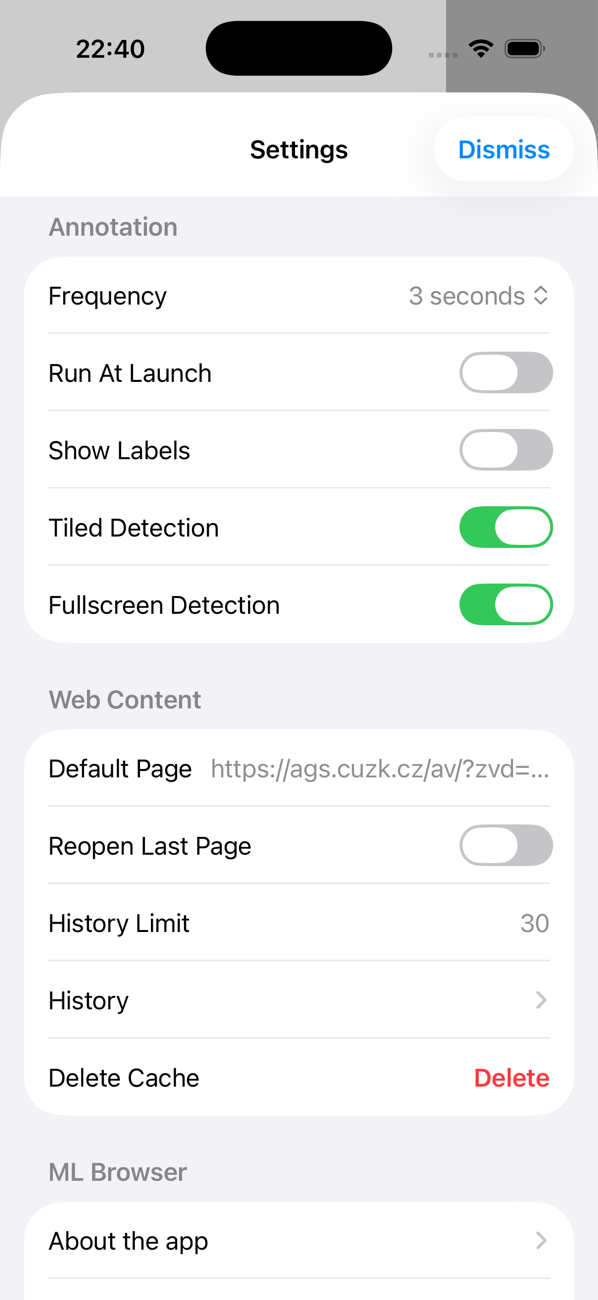
Tuned to your workflow
Fine-tune detection frequency, labels, tiled and full-screen detection, your default page, and browsing history — all from Settings.
One app, every Apple device
The same on-device detection on iPhone, iPad, and Mac.
Private by design
No browsing data leaves your device. No advertising or analytics SDKs. Detection, findings, and history stay on your iPhone, iPad, or Mac.
Get ML Browser
Available on the App Store for iPhone, iPad, and Mac.

